






Repair Guide for Induction Light Bulbs
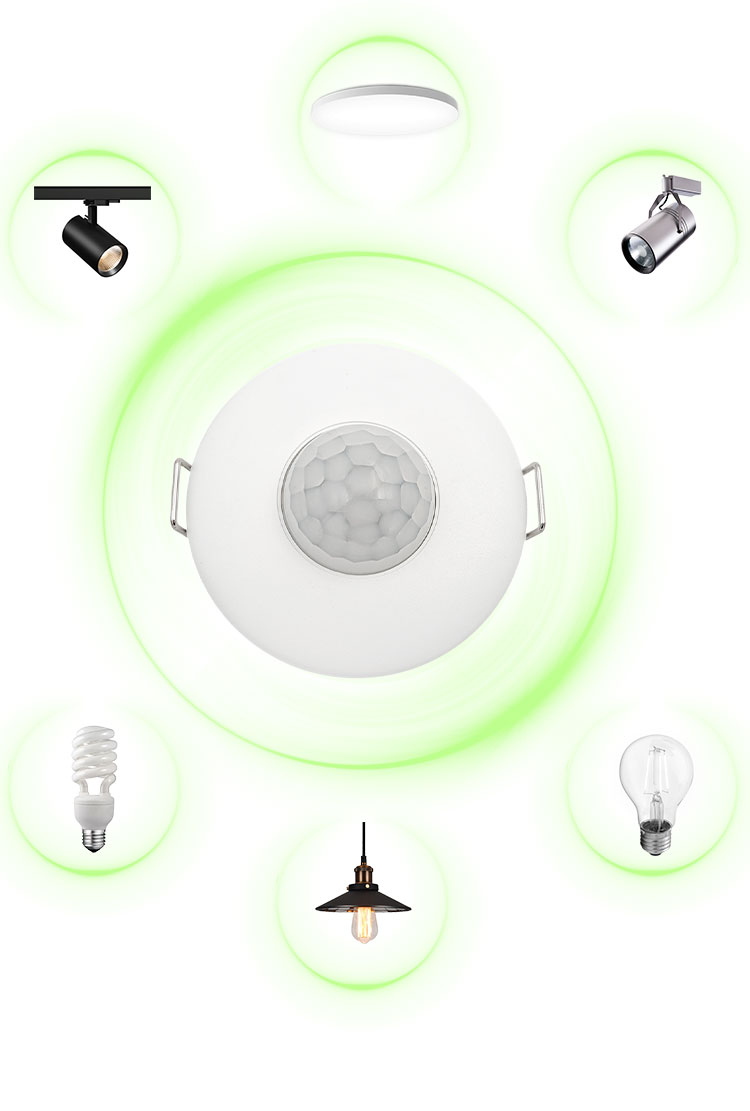
Induction bulb is a lighting device that integrates a light source and intelligent sensors. It does not require manual switching and automatically lights up and off by detecting environmental changes. The conventional induction technologies used in light bulbs include human infrared induction, radar microwave induction, and photosensitive control. Briefly introduce common problems and maintenance troubleshooting.
Problem 1: The light bulb does not light up at all
Troubleshooting 1: Power issue: Is the main power switch turned on? Are the other lights in the house working properly? Ensure that the entire house is not experiencing a power outage. Can restart the power supply.
Troubleshooting 2: Poor contact between bulb and lamp holder: Has the bulb been fully tightened onto the lamp holder? Has the metal spring inside the lamp holder lost its elasticity due to aging? The light bulb can be tightened again. If the lamp holder is damaged, it needs to be replaced.
Troubleshooting 3: Damage to the bulb itself: Twist the bulb onto another confirmed normal socket for testing. If it still doesn't light up, the bulb is likely damaged. So we need to replace the light bulb with a new one.
Problem 2: The light bulb stays on and does not turn off
Troubleshooting 1: In constant light mode: Check that some light bulbs have a constant light/sensing mode switching function, which may be mistakenly set to constant light mode. Please refer to the instruction manual to switch back to the sensing mode.
Troubleshooting 2: Continuous interference within the sensing range: Check if there are pets, shaking plants, or air conditioning/heating vents within the sensing range? The microwave sensing bulb may detect movement on the other side of the wall or outside the window. Need to adjust the angle or position of the light bulb to avoid interference sources. For pet households, you can consider purchasing sensing light bulbs with a "pet proof" design.
Troubleshooting 3: Low ambient light: Has the light sensitivity value (LUX) been set to the most sensitive position (counterclockwise to the end)? Even during the day, the light bulb assumes that the environment is too dark and enters a standby state, turning on at the slightest movement. Need to adjust the LUX knob clockwise to increase the required environmental darkness for triggering.
Troubleshooting 4: Setting the lighting time too long: Has the lighting time (TIME) been set to the maximum value? Need to adjust the TIME knob counterclockwise to shorten the duration of the light on.
Problem 3: Insensitive sensing, no light or slow response when people pass by
Troubleshooting 1: Incorrect sensing range or angle: Is the direction of human movement perpendicular to the sensing range? The optimal sensing direction is to "cross" the sensing area horizontally, rather than directly towards the light bulb. Need to adjust the angle of the light bulb to ensure that the walking path is within its fan-shaped detection range.
Troubleshooting 2: Induction distance attenuation: Is the installation position of the light bulb too high? The sensing ability will weaken with increasing distance. If conditions permit, lower the installation height appropriately.
Troubleshooting 3: Environmental temperature impact: The sensitivity of the infrared sensor will decrease when the ambient temperature approaches human body temperature in summer. This is a physical limitation, and it can be considered to replace it with a radar sensing or radar+infrared dual sensing bulb, which is less affected by temperature.
Troubleshooting 4: The sensing window is contaminated: Is the Fresnel lens on the surface of the bulb covered in dust or oil? Turn off the power first, and then gently wipe the lens with a clean soft cloth.
Problem 4: The light is also on during the day or when it is very bright
Troubleshooting: Failure or improper setting of photosensitive control: Check if the LUX knob has been adjusted to the least sensitive position (clockwise to the end)? Or is the photoresistor obstructed? Need to adjust the LUX knob counterclockwise. Ensure that the photosensitive hole of the light bulb is not obstructed by walls, lampshades, or other objects.
Hope this guide can help you better use and maintain your sensor light bulbs at home!
Related Posts